StripeClear Journal
Stripe Balance Transactions CSV to QuickBooks Journal — Offline
Turn a Stripe Balance Transactions CSV into a balanced QuickBooks Online journal CSV, plus a payout summary and an audit file.
 JWillum products
BooksExport Clean · $8 one-time
Clean QuickBooks Online or Xero export CSVs for accountant handoff: junk rows stripped, ISO dates and normalized amounts. Not tax advice.
Get it on Gumroad — $8 Read the free guideA QuickBooks Online Transaction List or Xero Account Transactions export arrives with a report title across the top, totals mixed in with real rows, -Split- where an account should be, noisy payee names and ambiguous dates. Your accountant has to clean it before they can use it.
Real screenshots of the tool running locally with sample data.
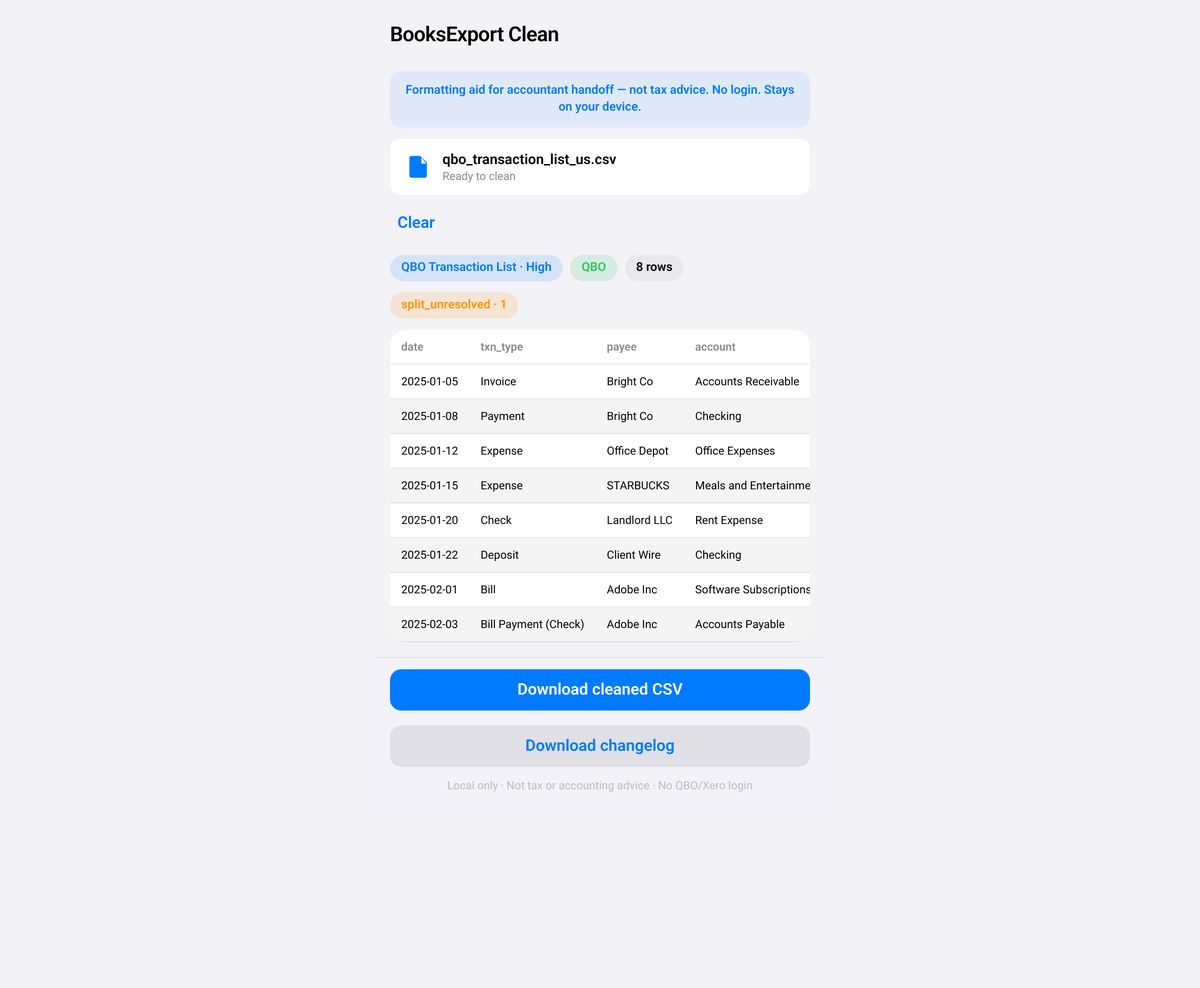
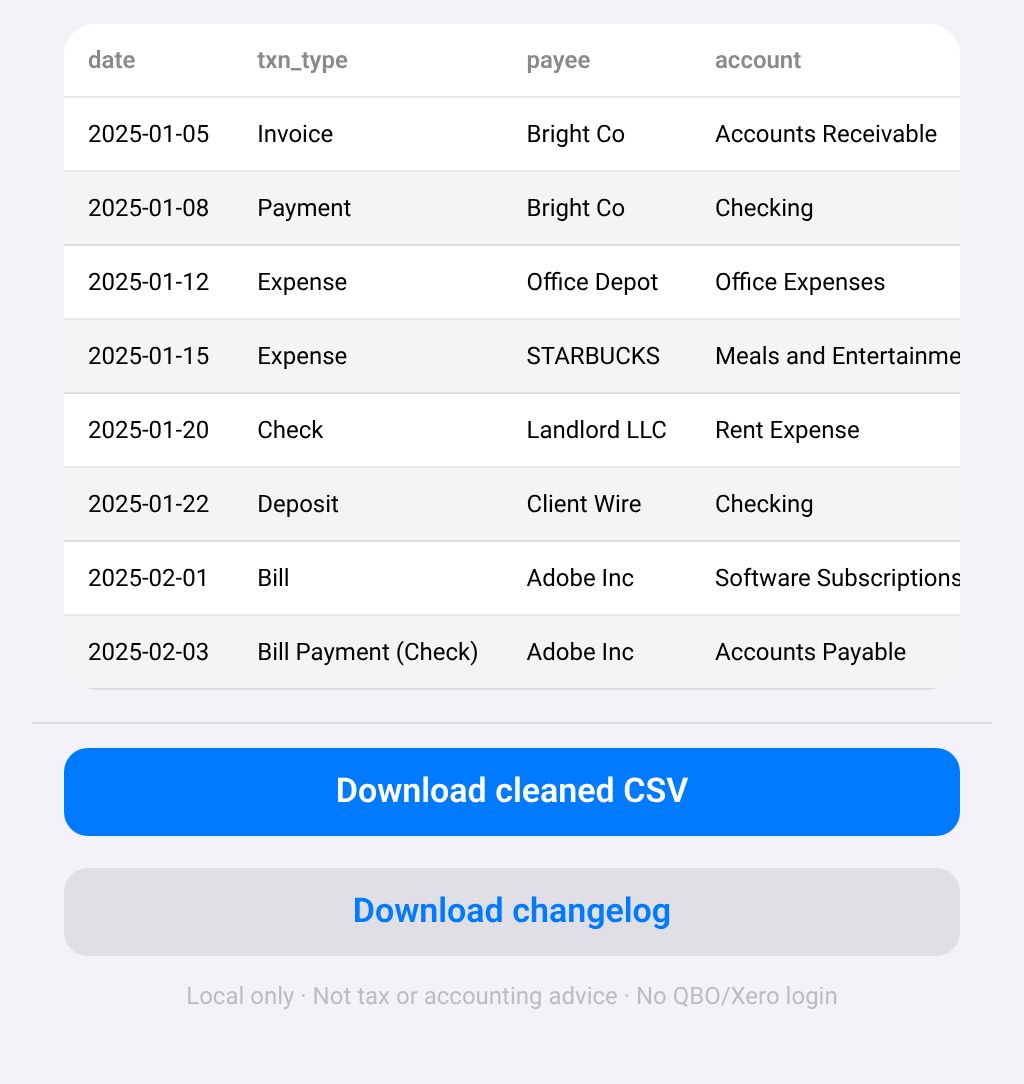
No. There is no login, no OAuth and no API. You export a CSV yourself, drop it in and download a cleaned CSV.
Slash dates like 03/04/2025 are ambiguous, so the app will not guess. Until you choose US (MM/DD) or UK (DD/MM), Download stays disabled.
The cell is cleared and split_unresolved is set to true (also listed in warnings). The tool does not invent the other side of the split.
No. Unbalanced entries are flagged in the warnings and changelog. Amounts are not changed to force a balance.
Generic bank exports (Date, Description, Amount, Balance) are out of scope on purpose. This tool cleans books exports from QuickBooks Online and Xero.
No. It is a formatting aid for accountant handoff. Your accountant still owns classification and tax treatment.
No. It costs $8, paid once on Gumroad. See the product page on Gumroad for its refund policy.
Help pages from the platforms involved.
How to clean a QuickBooks Online or Xero export before sending it to your accountant: how to do it by hand, step by step.
StripeClear Journal
Turn a Stripe Balance Transactions CSV into a balanced QuickBooks Online journal CSV, plus a payout summary and an audit file.
Tracker Invoice Lines
Turn a Toggl, Clockify or Harvest detailed time CSV into Xero, Wave or generic Qty × Rate invoice line CSVs.