BooksExport Clean
QuickBooks Xero Export CSV Cleaner — Offline Accountant Handoff
Clean QuickBooks Online or Xero export CSVs for accountant handoff: junk rows stripped, ISO dates and normalized amounts. Not tax advice.
 JWillum products
StripeClear Journal · $8 one-time
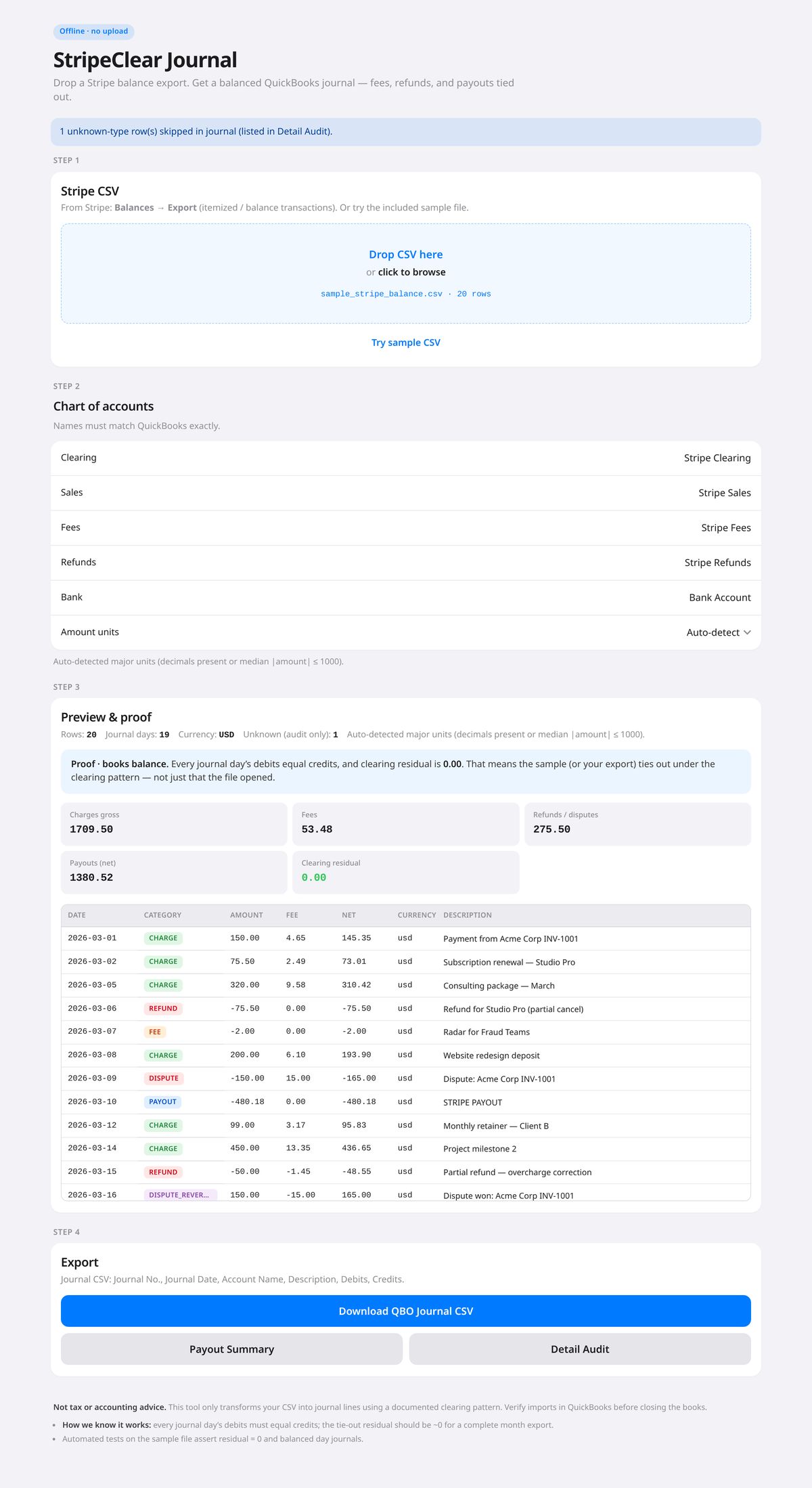
Turn a Stripe Balance Transactions CSV into a balanced QuickBooks Online journal CSV, plus a payout summary and an audit file.
Get it on Gumroad — $8 Read the free guideStripe pays out one lump sum, but each payout is many charges minus fees, refunds and sometimes disputes. Booking the deposit as sales understates income and hides fees. Bookkeepers fix this with a clearing account and a journal entry, which is slow to build by hand from a Stripe export.
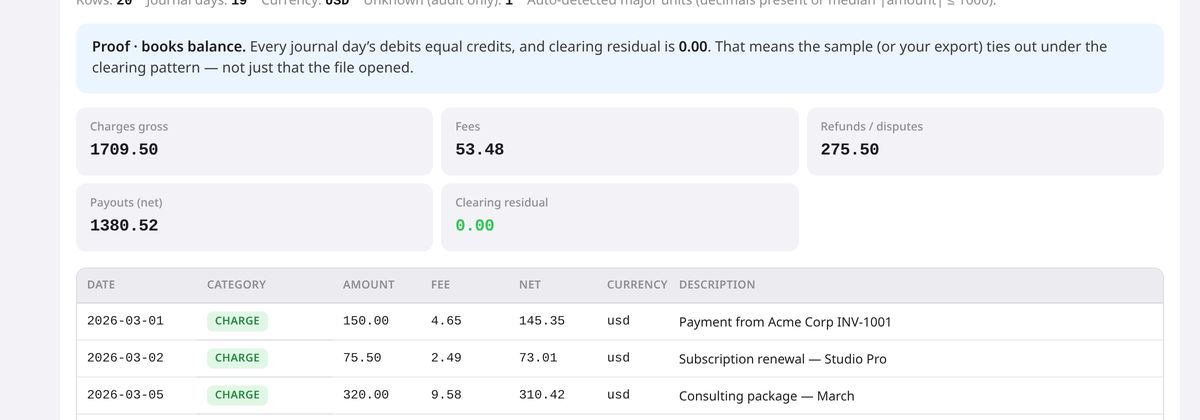
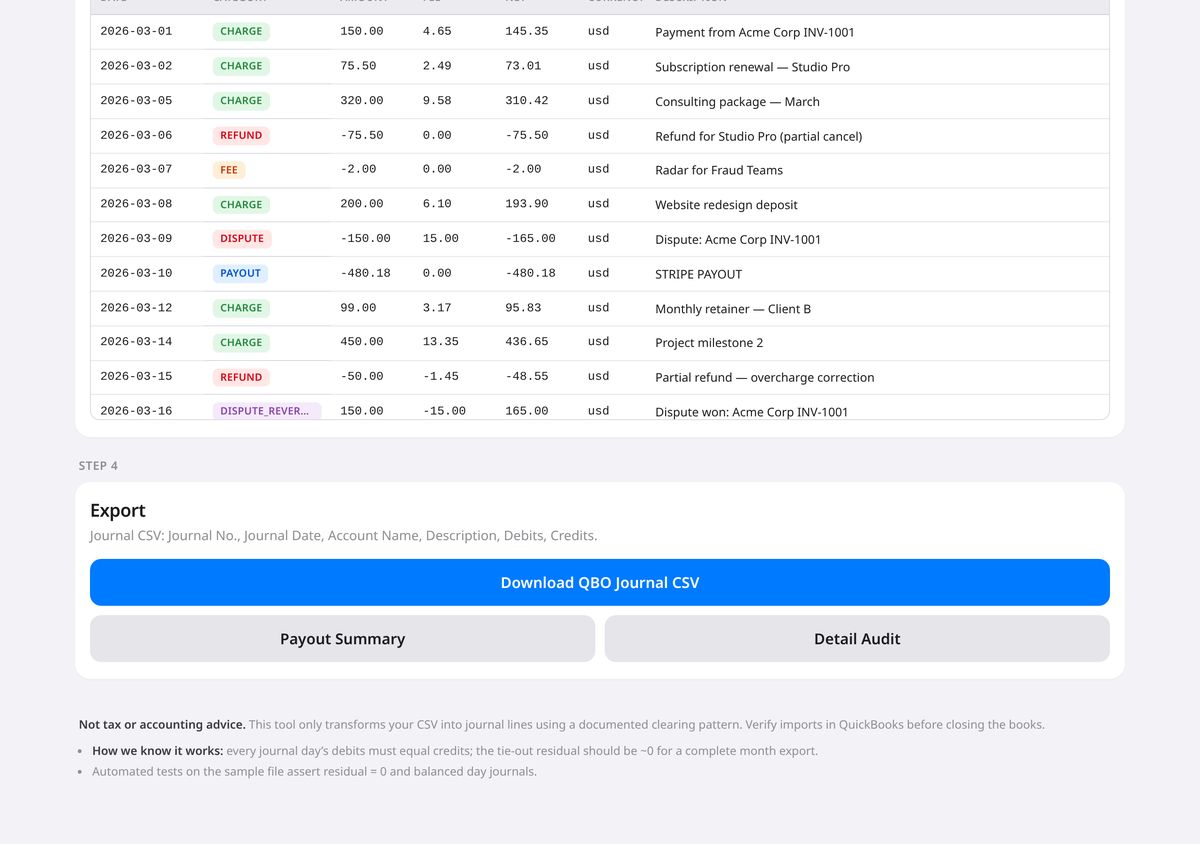
Real screenshots of the tool running locally with sample data.
No. Everything runs in your browser from the CSV you load. There is no backend, no login and no analytics.
Use a Balance transactions (itemized balance) CSV that includes amount, fee, net, created, and type or reporting_category. Common aliases such as gross or created_utc are recognized.
Disputes post like refunds with a [dispute] prefix. Dispute reversals post like charges with a [dispute reversal] prefix.
Common causes are date-range cutoffs (charges not yet paid out), unknown types excluded from the journal, mixed currencies or manual adjustments in Stripe. Use the detail audit and compare it with the Stripe Dashboard for the same range.
Yes. Edit the five account name fields before downloading. The names must match QuickBooks exactly for a clean import.
No. Consult your bookkeeper or tax professional.
No. It costs $8, paid once on Gumroad. See the product page on Gumroad for its refund policy.
Help pages from the platforms involved.
How to reconcile Stripe payouts into a bookkeeping journal (QuickBooks-ready): how to do it by hand, step by step.
BooksExport Clean
Clean QuickBooks Online or Xero export CSVs for accountant handoff: junk rows stripped, ISO dates and normalized amounts. Not tax advice.
Tracker Invoice Lines
Turn a Toggl, Clockify or Harvest detailed time CSV into Xero, Wave or generic Qty × Rate invoice line CSVs.