Faire Wholesale Fee & Profit Calculator
Faire Wholesale Fee & Profit Calculator — Offline Net After Fees
See what you keep on Faire: compare Marketplace and Direct orders, the new-retailer fee and payout speed, with bulk CSV and break-even pricing.
 JWillum products
Whatnot Seller Profit Calculator · $8 one-time
See what you keep on Whatnot after category commission and payment processing, with bulk CSV and a show-night print sheet.
Get it on Gumroad — $8 Read the free guideA sale on a Whatnot stream isn't what you keep. Commission, payment processing, the cost of the item, shipping supplies and your own label all come out before profit.
Real screenshots of the tool running locally with sample data.
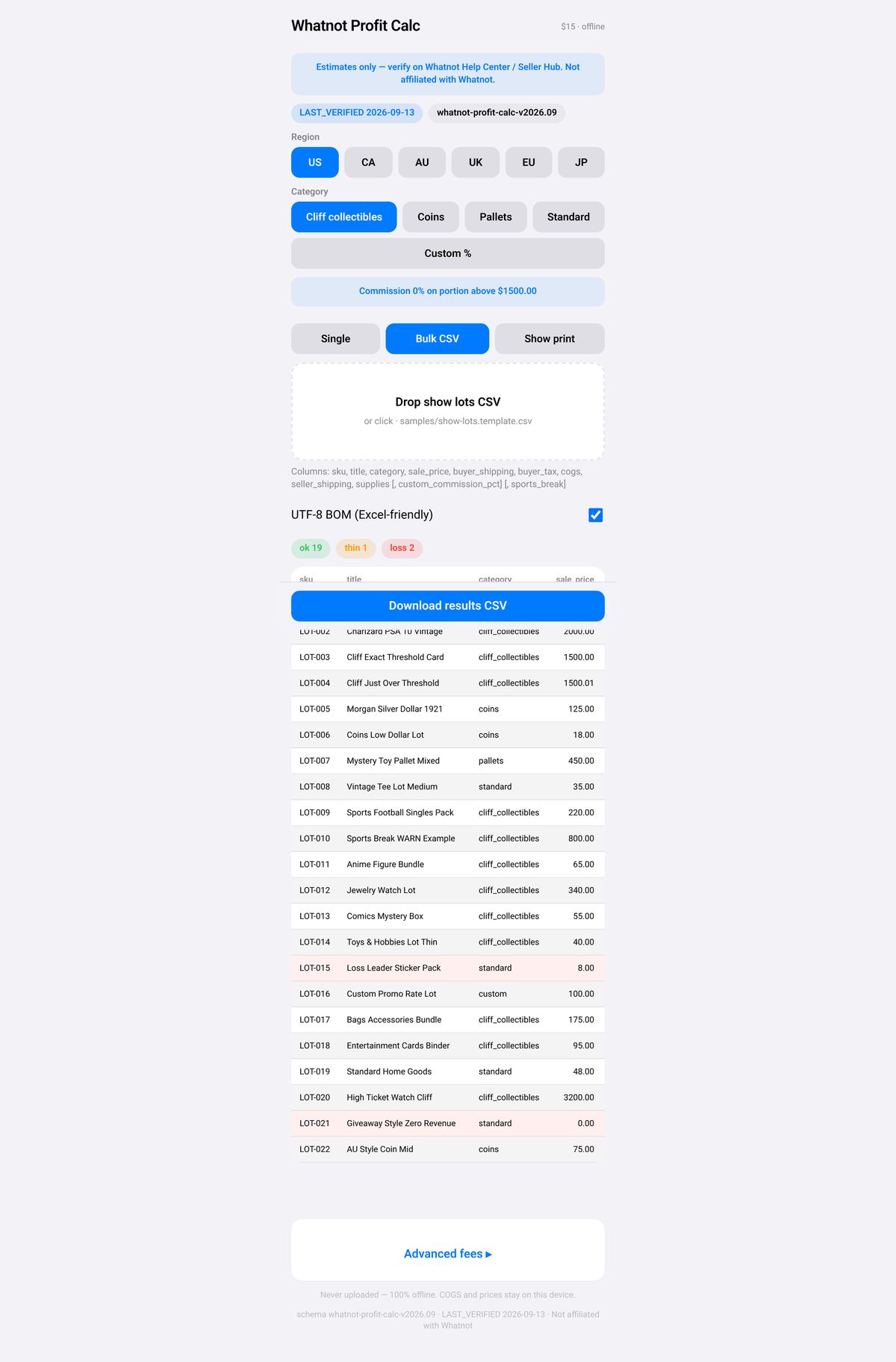
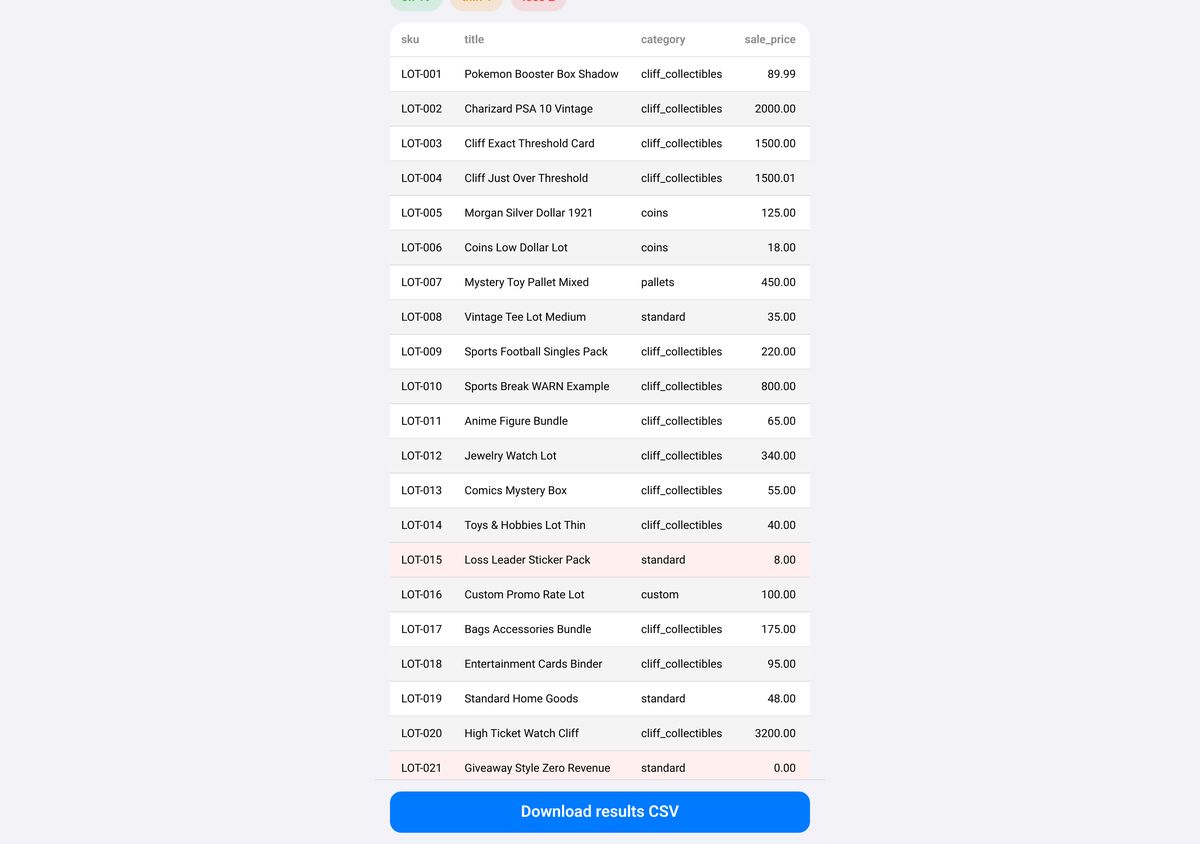
No. It is an independent offline tool. Always verify fees in the Whatnot Help Center and your Seller Hub, which is the source of truth for payouts.
Commission is a percentage of the item's final sale price only. Processing is a percentage of the order value (usually item plus buyer-paid shipping and taxes) plus a fixed fee.
Promotions, cross-border details, giveaways, Sports breaks versus Singles or custom terms can differ. Check the region, category, processing base and fee constants.
Yes, in Advanced fees. Changes are saved in your browser, and Reset to defaults restores the built-in set for the current region.
Yes. Open the file from Files or AirDrop. No network is needed, and printing uses the system print dialog.
No. It costs $8, paid once on Gumroad. See the product page on Gumroad for its refund policy.
How to calculate your real profit per Whatnot sale after fees: how to do it by hand, step by step.
Faire Wholesale Fee & Profit Calculator
See what you keep on Faire: compare Marketplace and Direct orders, the new-retailer fee and payout speed, with bulk CSV and break-even pricing.
Etsy Listing CSV Fixer
Validate and safely clean Etsy listing export CSVs, then download a cleaned file and an issue report.