BooksExport Clean
QuickBooks Xero Export CSV Cleaner — Offline Accountant Handoff
Clean QuickBooks Online or Xero export CSVs for accountant handoff: junk rows stripped, ISO dates and normalized amounts. Not tax advice.
 JWillum products
Tracker Invoice Lines · $8 one-time
Turn a Toggl, Clockify or Harvest detailed time CSV into Xero, Wave or generic Qty × Rate invoice line CSVs.
Get it on Gumroad — $8 Read the free guideAt month end you have hundreds of time entries in Toggl Track, Clockify or Harvest and need to bill them in Xero or Wave. Typing invoice lines by hand is slow, and dumping every entry onto an invoice gives the client hundreds of tiny lines.
Real screenshots of the tool running locally with sample data.
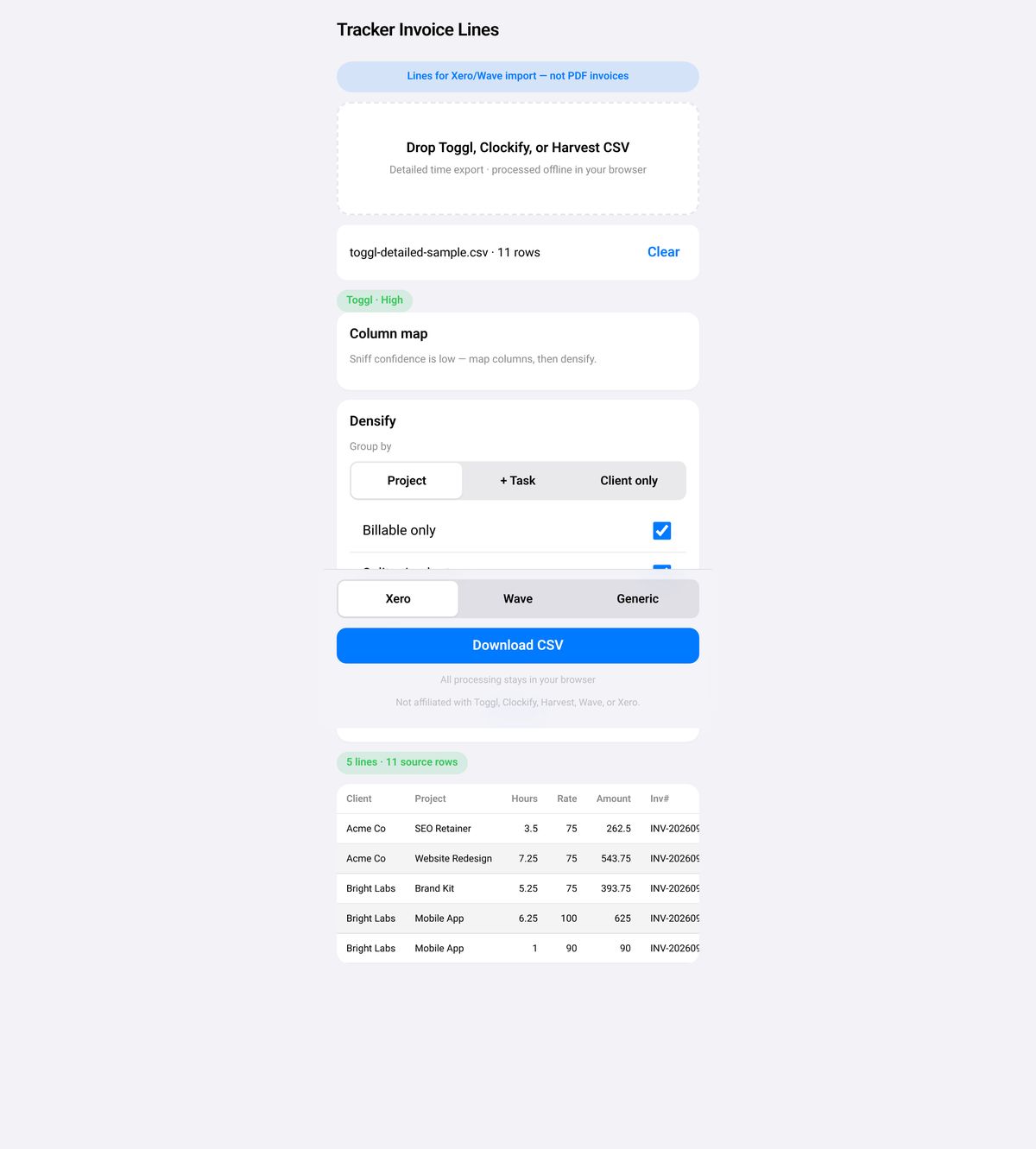
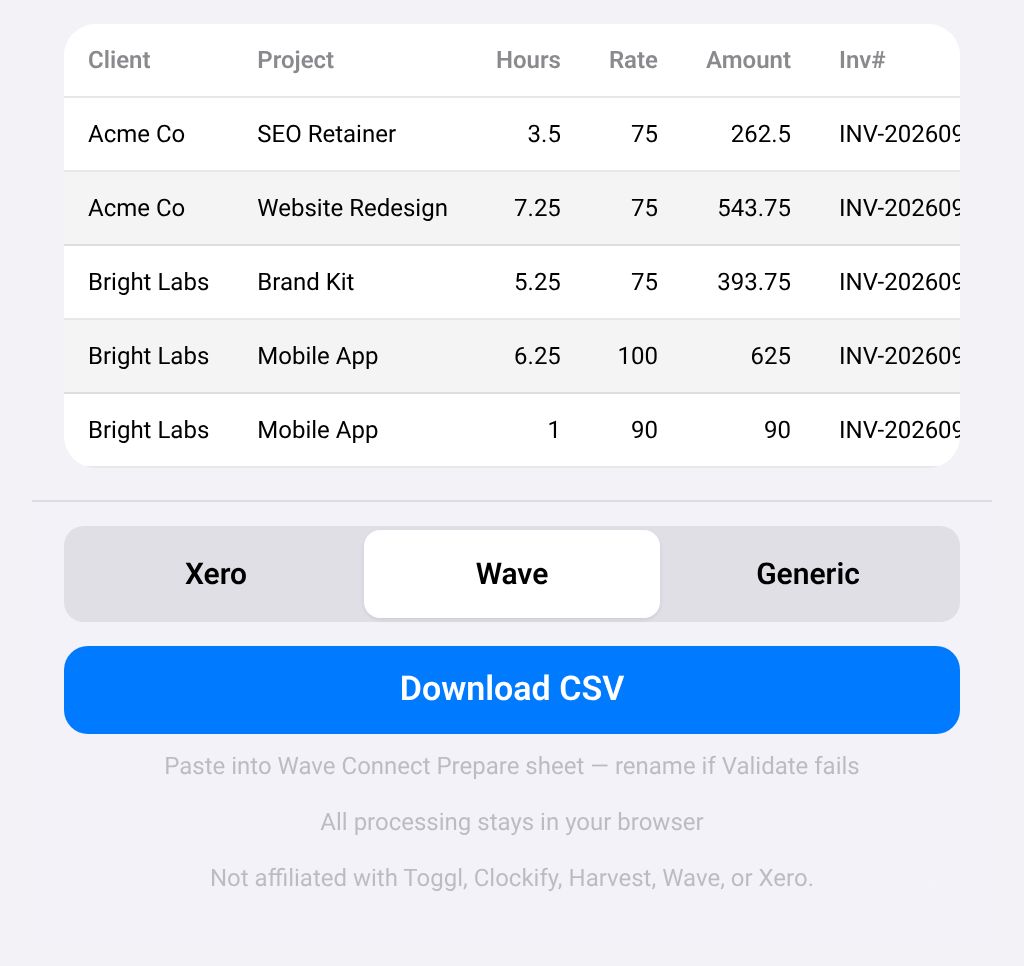
No. It only turns tracker rows into accounting import line CSVs.
No. There is no OAuth, no API and no network use of your timesheet. You download a CSV and import it yourself.
Wave Connect headers come from your business's Prepare Input Sheet (yellow cells are required). Column order is flexible, but heading text must match, so rename the headers to match and validate again.
By default the first rate seen is used and a WARN is raised. Turn on Split mixed rates to get separate lines per rate.
Invoice prefix, dates, due days, account and tax codes, preferences and the rate card are stored in localStorage on this browser only.
No. It costs $8, paid once on Gumroad. See the product page on Gumroad for its refund policy.
Help pages from the platforms involved.
How to turn Toggl, Clockify or Harvest time entries into Xero or Wave invoice lines: how to do it by hand, step by step.
BooksExport Clean
Clean QuickBooks Online or Xero export CSVs for accountant handoff: junk rows stripped, ISO dates and normalized amounts. Not tax advice.
StripeClear Journal
Turn a Stripe Balance Transactions CSV into a balanced QuickBooks Online journal CSV, plus a payout summary and an audit file.